 TV
TVSEND TO TV
Your phone, on the big screen.
Photos, videos, links and notes — from your phone to any TV, in seconds. No cable, no app on the phone, nothing to pair.
How it works
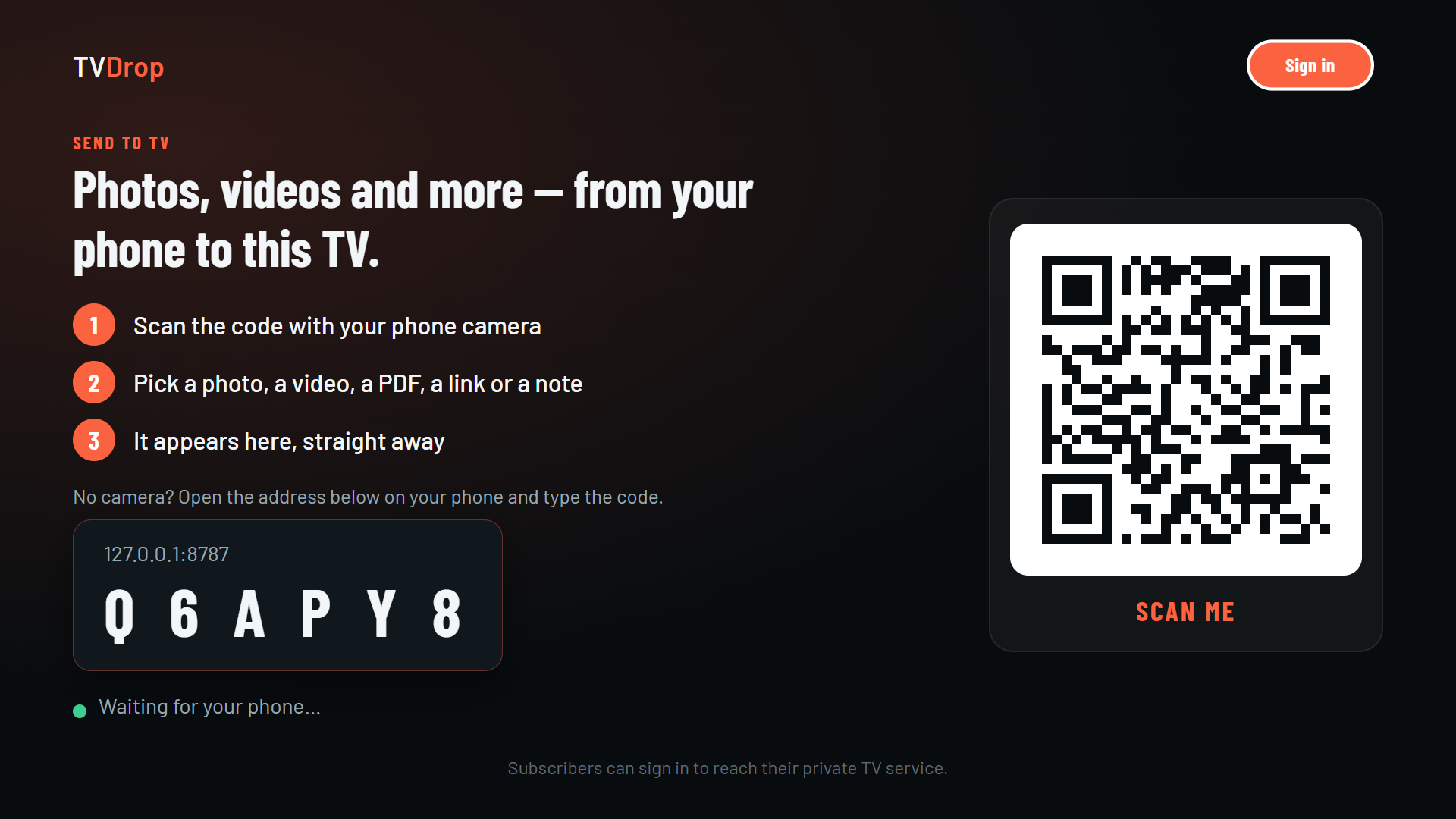
- 1Open TVDrop on your TV. It shows a code.
- 2Scan the code with your phone camera. No camera app? Open the address on the screen and type the code.
- 3Pick what to show. A photo, a video, a PDF, a link or a note — it appears on the TV straight away.
What you can send
Photos
One or many. Your holiday, on the big screen, in seconds.
Videos
From your phone's gallery, or a link to a video online.
PDFs and presentations
Turned into pages on your phone, flipped from your phone.
Links and notes
A web address, a shopping list, a message for the family — shown big.
Free with a TVDrop account
Sending works without an account. A free account adds:
- My TVs — pair a TV once; next time just pick it, no code.
- Photo slideshow and photo frame — your pictures, cross-fading on the TV.
- Bigger files — up to 2 GB each (500 MB without an account).
- Recently sent — your last items kept for 7 days.
- Party mode — several phones send to one TV; everything queues with the sender's name.
- Phone as remote — play, pause and skip from your phone.
Get TVDrop on your TV
Android TV · Google TV
Google Play — coming soon.
Fire TV
Amazon Appstore — coming soon.
Samsung · LG
Samsung and LG app stores — coming soon.
Roku
Roku Channel Store — coming soon.
On the TV
What you send opens full screen by itself. Back on the remote returns to the code.